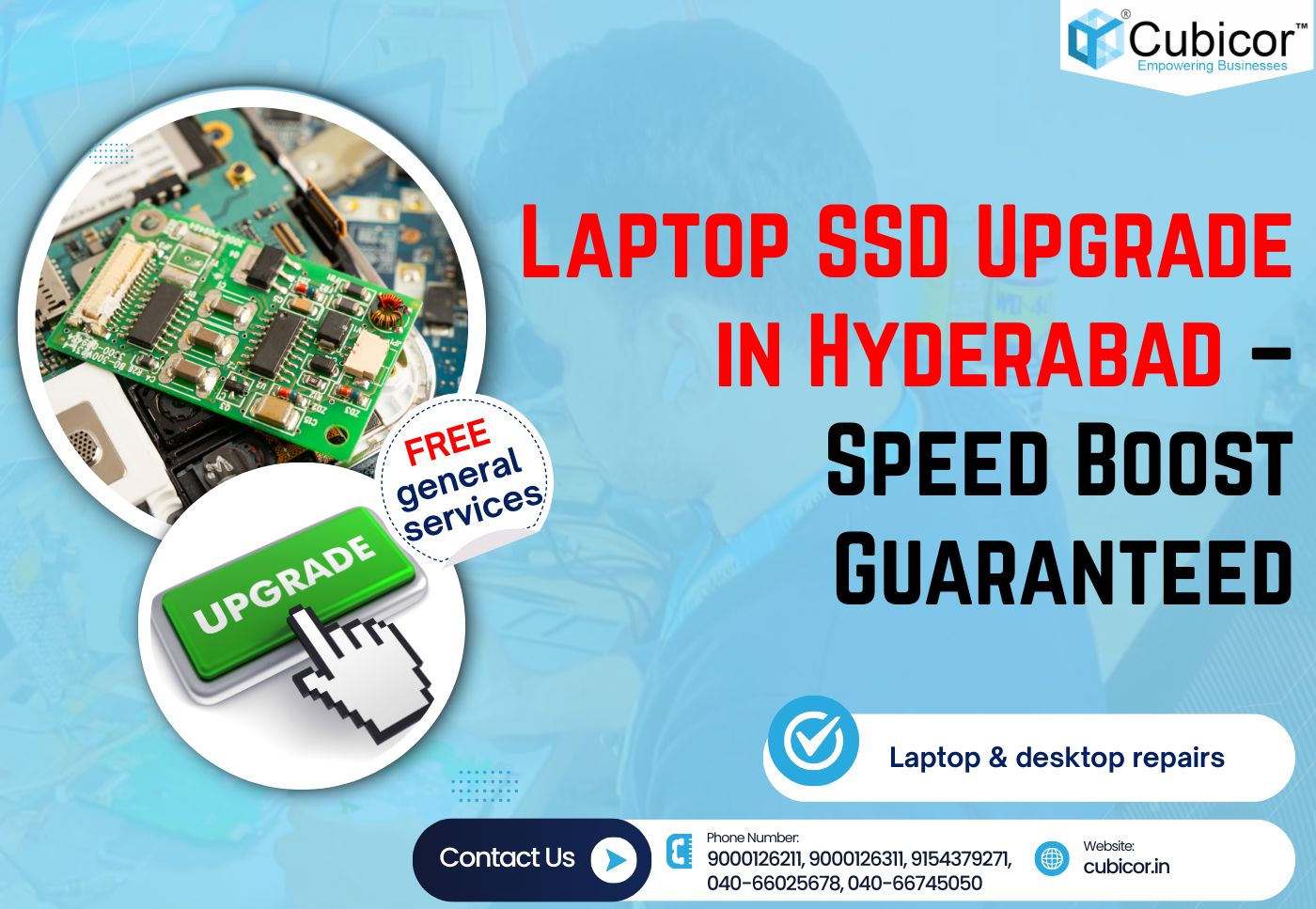
Introduction: Why Laptop SSD Upgrade in Hyderabad is the Best Performance Solution
If your laptop is running slow, taking too long to boot, freezing during work, or lagging while opening applications, the best solution is a laptop SSD upgrade in Hyderabad. Many laptop users experience performance issues due to outdated Hard Disk Drives (HDD). Instead of investing in a costly new laptop, upgrading to an SSD can dramatically improve speed and efficiency.
A professional laptop SSD upgrade in Hyderabad can:
✔ Increase boot speed up to 5x
✔ Improve overall laptop performance
✔ Reduce system lag and freezing
✔ Enhance multitasking capability
✔ Extend laptop lifespan
If you want guaranteed speed improvement, SSD upgrade is one of the smartest and most affordable investments.
What is Laptop SSD Upgrade Service?
Laptop SSD upgrade service involves replacing the traditional Hard Disk Drive (HDD) with a Solid State Drive (SSD). Unlike HDDs that use mechanical spinning disks, SSDs use flash memory, making them significantly faster and more reliable.
When you choose professional SSD upgrade service, technicians perform:
- Laptop compatibility testing
- SSD type recommendation (SATA or NVMe)
- Complete data backup
- SSD installation
- Genuine OS installation
- Performance optimization
Why Choose SSD Upgrade Instead of Buying a New Laptop?
Buying a new laptop often costs ₹40,000 to ₹80,000 or more. An SSD upgrade delivers near-new performance at a fraction of the cost.
Cost Comparison
| Option | Cost | Performance |
|---|---|---|
| New Laptop | ₹40,000+ | High |
| SSD Upgrade | ₹2,500 – ₹6,000 | High |
A laptop SSD upgrade in Hyderabad is a cost-effective performance solution.
Benefits of Laptop SSD Upgrade in Hyderabad
🚀 Faster Boot Time
Laptop boots within 10–15 seconds compared to 1–2 minutes with HDD.
⚡ Faster Application Loading
Applications like MS Office, Chrome, Photoshop, and design software load instantly.
🔄 Better Multitasking
Switch between tasks smoothly without system hanging.
💻 Increased Laptop Lifespan
SSD upgrades can extend laptop usability for 3–5 years.
🔇 Silent and Shock Resistant
SSDs have no moving parts, making them durable and noise-free.
Types of SSD Used in Laptop SSD Upgrade
SATA SSD
- Affordable option
- Compatible with most laptops
- Speed up to 550 MB/s
NVMe SSD
- Ultra-fast performance
- Ideal for gaming, editing, and heavy tasks
- Higher data transfer speeds
Professional technicians always check compatibility before installation.
Who Needs Laptop SSD Upgrade?
🎓 Students
Improves performance for online classes, projects, and software learning.
💼 Working Professionals
Smooth multitasking for office work and meetings.
🎮 Gamers
Reduces game loading time and improves responsiveness.
🎬 Video Editors & Designers
Heavy software runs smoothly after SSD upgrade.
Signs You Need Laptop SSD Upgrade
- Slow laptop boot time
- Frequent system hanging
- Hard disk usage showing 100%
- Clicking noise from HDD
- Slow Windows updates
If you notice these issues, SSD upgrade is highly recommended.
Professional SSD Upgrade Process at Cubicor
The SSD upgrade process includes:
- Laptop diagnosis
- SSD compatibility check
- Secure data backup
- SSD installation
- Operating system installation
- Driver installation
- Speed optimization
- Final performance testing
Why Choose Cubicor for Laptop SSD Upgrade in Hyderabad?
✔ Experienced technicians
✔ Genuine branded SSD installation
✔ Data safety guarantee
✔ Warranty support
✔ Affordable pricing
✔ Quick turnaround service
Pricing for Laptop SSD Upgrade in Hyderabad
Approximate Cost Range:
- 240GB SSD: ₹2,500 – ₹3,500
- 480GB SSD: ₹3,500 – ₹5,000
- 1TB SSD: ₹5,500 – ₹7,500
Prices may vary depending on SSD brand and laptop model.
Contact Cubicor for Laptop SSD Upgrade in Hyderabad
📞 Sales Team – CUBICOR
• Siva Prasad: 9248080870
• Arbaz: 9248080871
• Sai Kumar: 9248080872
🏢 Head Office: Basheerbagh, Hyderabad – 9000126311
🏬 Branch: CTC, C Block, Shop 366, 3rd Floor, Secunderabad – 9000126211
🌐 Website: www.cubicor.in
FAQs – Laptop SSD Upgrade in Hyderabad
1. What is laptop SSD upgrade in Hyderabad?
It is the process of replacing HDD with SSD to improve laptop speed and performance.
2. How much does laptop SSD upgrade cost?
The cost usually ranges from ₹2,500 to ₹7,500.
3. Is SSD upgrade better than buying a new laptop?
Yes, it is more affordable and significantly improves performance.
4. How long does SSD upgrade take?
Usually 1 to 2 hours depending on laptop model.
5. Will my data be safe during SSD upgrade?
Yes, professional technicians perform complete data backup.
6. Is Windows reinstalled after SSD upgrade?
Yes, genuine Windows installation is provided.
7. Do SSD upgrades come with warranty?
Yes, branded SSDs include warranty.
8. Can old laptops support SSD upgrade?
Most laptops support SATA SSD upgrades.
9. What is the difference between HDD and SSD?
SSD is faster, more durable, and reliable compared to HDD.
10. Is NVMe SSD better than SATA SSD?
Yes, NVMe provides faster data transfer speeds.
11. Will gaming performance improve after SSD upgrade?
Game loading speed improves significantly.
12. Can RAM be upgraded along with SSD?
Yes, RAM upgrades can be done simultaneously.
13. Is SSD safe for long-term usage?
Yes, SSDs are reliable and long-lasting.
14. Does SSD upgrade reduce heating?
Yes, slightly improves thermal performance.
15. Can SSD fail?
Failures are rare but possible with extensive usage.
16. Is data cloning possible during SSD upgrade?
Yes, data cloning ensures smooth transition.
17. Can I keep old HDD as secondary storage?
Yes, HDD can be used for additional storage.
18. Does SSD improve battery life?
Yes, SSD consumes less power compared to HDD.
19. Is SSD compatible with Windows 11?
Yes, supported laptop models run Windows 11 smoothly.
20. Is SSD noisy?
No, SSD operates silently.
21. Can MacBooks be upgraded with SSD?
Some MacBook models support SSD upgrade.
22. How to check SSD compatibility?
Technicians verify laptop model and configuration.
23. Is appointment required for SSD upgrade?
Appointments are recommended for faster service.
24. Do you provide branded SSD installation?
Yes, genuine branded SSDs are used.
25. Is data backup included in service?
Yes, complete backup is included.
26. Is SSD upgrade service available across Hyderabad?
Yes, service is available across major areas.
27. Can I visit the store directly?
Yes, walk-in service is available.
28. Is SSD good for video editing?
Yes, SSD improves editing software performance.
29. Will laptop become faster immediately after SSD upgrade?
Yes, performance improvement is noticeable instantly.
30. Is SSD upgrade safe?
Yes, when performed by professionals.
Conclusion: Upgrade Your Laptop with SSD Today
A professional laptop SSD upgrade in Hyderabad is the fastest and most affordable way to revive slow laptops. Instead of investing in a new device, upgrading to SSD delivers lightning-fast performance and extended laptop life.
Contact Cubicor today and experience guaranteed speed improvement.