Introduction: Laptop Overheating in Hyderabad – A Growing Problem in 2026
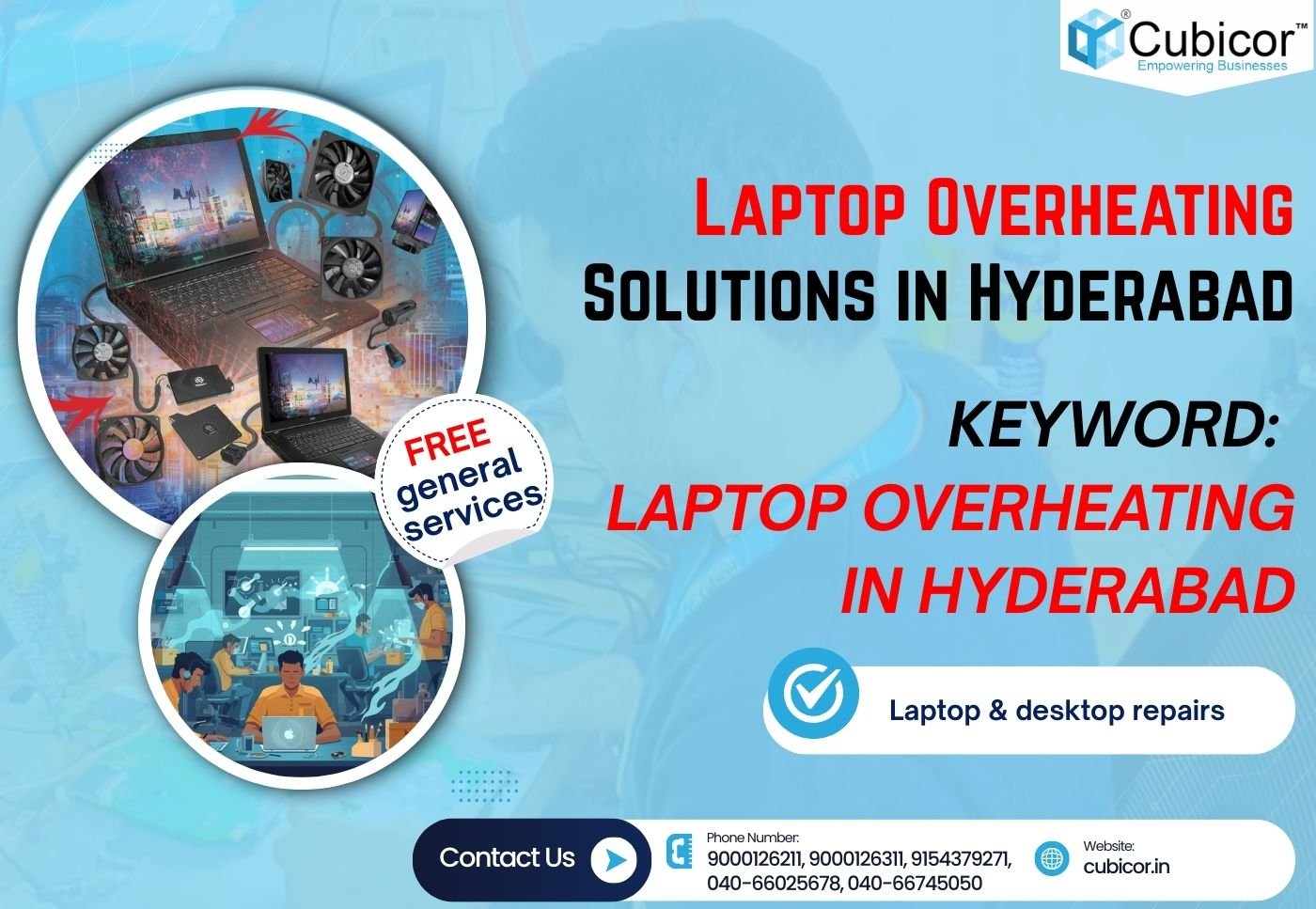
Laptop overheating in Hyderabad has become one of the most common technical issues faced by students, professionals, gamers, and business owners. Due to high ambient temperatures, dust accumulation, long working hours, poor ventilation, and aging hardware, laptops frequently suffer from excessive heat buildup.
When laptop overheating in Hyderabad is ignored, it can lead to:
- Sudden shutdowns
- Reduced performance
- Battery damage
- Motherboard failure
- Data loss
- Permanent hardware damage
If your laptop fan is running loudly, your system is heating excessively, or your laptop shuts down automatically, you need professional laptop overheating solutions in Hyderabad—and this is where Cubicor comes in.
At Cubicor, we specialize in advanced laptop overheating repair in Hyderabad, offering FREE general service, expert diagnosis, and chip-level solutions for all brands.
👉 Learn more here:
🔗 https://cubicor.in/overheating-laptop-repair-in-hyderabad
What Causes Laptop Overheating in Hyderabad?
Understanding the root cause of laptop overheating in Hyderabad is the first step toward a permanent fix.
1. Dust Accumulation (Most Common Cause)
Hyderabad’s dusty environment causes internal dust buildup that blocks airflow, heatsinks, and cooling fans.
2. Dried or Poor Thermal Paste
Over time, thermal paste between the CPU/GPU and heatsink dries out, reducing heat transfer efficiency.
3. Faulty Cooling Fan
A slow, noisy, or non-functional fan cannot dissipate heat properly.
4. Heavy Software Usage
Running heavy applications, gaming, video editing, or multiple programs simultaneously increases CPU/GPU load.
5. Poor Ventilation
Using laptops on beds, sofas, or closed surfaces blocks air vents.
6. Malware or Background Processes
Viruses or hidden background tasks increase CPU usage and heat generation.
7. Chip-Level Power Issues
Faulty power ICs, VRMs, or motherboard components cause abnormal heat generation.
Signs of Laptop Overheating You Should Not Ignore
If you notice any of the following symptoms, you are likely facing laptop overheating in Hyderabad:
- Laptop shuts down suddenly
- Fan noise increases abnormally
- Keyboard or bottom panel becomes very hot
- Performance throttling or lag
- Blue screen errors
- Battery draining faster than usual
- Laptop restarts randomly
- Display flickering due to GPU overheating
Professional Laptop Overheating Solutions in Hyderabad by Cubicor
At Cubicor, we offer complete laptop overheating repair services in Hyderabad with a systematic, expert-level approach.
1. FREE Laptop Overheating Diagnosis
We begin with a FREE general inspection to identify the exact overheating cause.
2. Internal Dust Cleaning (Deep Cleaning)
Using professional tools, we remove dust from:
- Cooling fan
- Heatsink
- Air vents
- Motherboard
3. Thermal Paste Replacement
We apply high-quality thermal paste to CPU and GPU for optimal heat dissipation.
4. Cooling Fan Repair or Replacement
If the fan is damaged, we repair or replace it with genuine parts.
5. Heat Sink Optimization
Bent or misaligned heatsinks are corrected for maximum airflow.
6. Software Optimization
We remove unnecessary background applications and malware causing overheating.
7. Chip-Level Motherboard Repair
For advanced cases, our chip-level experts repair faulty power ICs, GPU sections, and VRM circuits.
Why Choose Cubicor for Laptop Overheating Repair in Hyderabad?
Cubicor is one of the most trusted laptop service centers in Hyderabad, known for expertise, transparency, and results.
✔ FREE General Service – Only at Cubicor
✔ Chip-Level Repair Experts
✔ All Brands Supported
HP, Dell, Lenovo, Acer, ASUS, Apple MacBook, MSI, Samsung & more
✔ Same-Day Service Available
✔ Affordable & Transparent Pricing
✔ Genuine Spare Parts
✔ Experienced Technicians
✔ Hyderabad-Focused Local Service
Laptop Brands We Repair for Overheating Issues
We handle laptop overheating in Hyderabad for:
- HP Pavilion, EliteBook, ProBook
- Dell Inspiron, Latitude, XPS
- Lenovo ThinkPad, IdeaPad
- Acer Aspire, Nitro
- ASUS VivoBook, ROG
- Apple MacBook Air / Pro
- Gaming laptops (RTX / GTX series)
Laptop Overheating Prevention Tips (Expert Advice)
Prevent future laptop overheating in Hyderabad with these tips:
- Clean internal dust every 6–12 months
- Replace thermal paste every 2–3 years
- Use laptop cooling pads
- Avoid soft surfaces
- Keep software updated
- Close unused background apps
Internal & External Links (SEO Optimized)
- 🔗 https://cubicor.in/overheating-laptop-repair-in-hyderabad
- 🔗 https://cubicor.in/
- 🔗 https://cubicor.in/contact-us
Follow Cubicor for Updates
- Facebook: https://www.facebook.com/cubicor
- Instagram: https://www.instagram.com/cubicor.in/
- YouTube: https://www.youtube.com/@cubicor545
Contact Cubicor – Laptop Overheating Experts in Hyderabad
📞 Service Numbers
- Our Expert: 9000126211
- Reception: 9000126311
- Customer Care: 9154379271
- Reception Landline: 040-66025678
- Service Landline: 040-66745050
📧 Email: info@cubicor.in
FAQs – Laptop Overheating in Hyderabad
1. What causes laptop overheating in Hyderabad?
High temperature, dust, poor cooling, and heavy usage.
2. Is laptop overheating dangerous?
Yes, it can permanently damage the motherboard and CPU.
3. Can overheating damage data?
Yes, sudden shutdowns may cause data loss.
4. How much does laptop overheating repair cost in Hyderabad?
Cost depends on cleaning, fan repair, or chip-level repair. Diagnosis is FREE at Cubicor.
5. Do you offer same-day service?
Yes, for most overheating issues.
6. Can thermal paste fix overheating?
Yes, in many cases.
7. Is laptop fan replacement necessary?
Only if the fan is faulty.
8. Do gaming laptops overheat more?
Yes, due to high GPU usage.
9. Can software cause overheating?
Yes, malware or heavy background processes.
10. How often should laptops be cleaned?
Once every 6–12 months.
11. Do you repair MacBook overheating issues?
Yes, including Apple MacBooks.
12. Is overheating covered under warranty?
Depends on brand and damage type.
13. Can overheating reduce laptop lifespan?
Yes, significantly.
14. Is free general service really free?
Yes, only at Cubicor.
15. Do you repair motherboard heating issues?
Yes, chip-level repairs available.
16. Can battery issues cause heating?
Yes, swollen or faulty batteries generate heat.
17. Should I use cooling pads?
Yes, as a preventive measure.
18. Can Windows updates cause overheating?
Rarely, but misconfigured updates can increase CPU load.
19. Do you service corporate laptops?
Yes.
20. Do you offer AMC services?
Yes, for businesses.
21. How long does repair take?
Usually same day or next day.
22. Can overheating cause blue screen errors?
Yes.
23. Is Hyderabad climate a major factor?
Yes, especially during summer.
24. Can laptop overheating be fully fixed?
Yes, with proper repair.
25. Why choose Cubicor over others?
Expertise, free service, chip-level repair, trust.
Conclusion: Best Laptop Overheating Solutions in Hyderabad – Choose Cubicor
If you are experiencing laptop overheating in Hyderabad, don’t wait for permanent damage. Cubicor offers professional, affordable, and expert laptop overheating repair services, backed by FREE general service and advanced chip-level expertise.
📍 Visit Cubicor today and keep your laptop cool, fast, and reliable.